
How to create a favicon for a website?
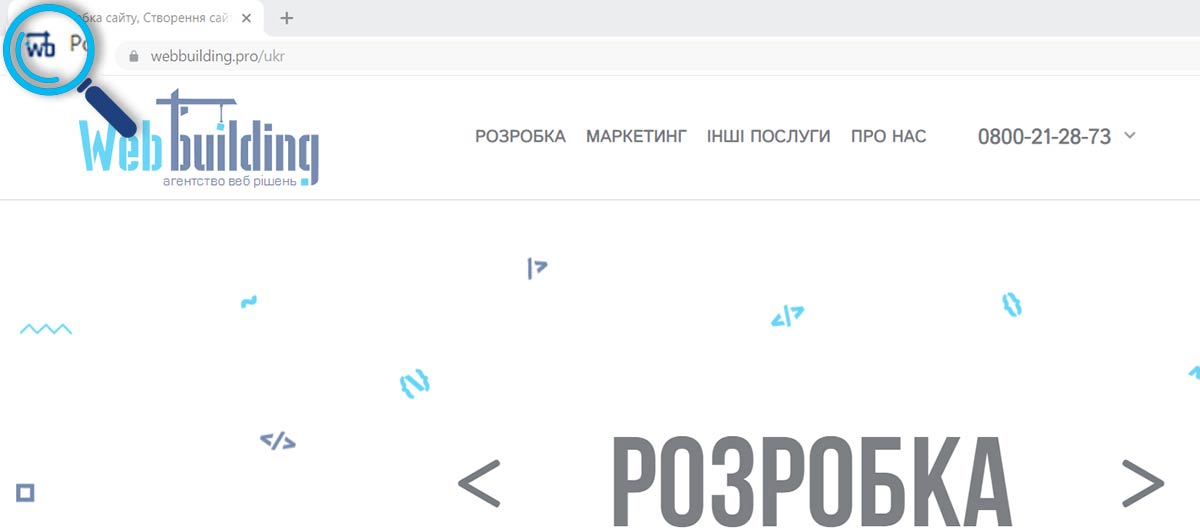
Let's start with the fact that the presence of a favicon on your site is already part of the success in its further promotion.
A favicon is a small icon or picture that we can see in front of the name of the site in the bookmarks menu. It would seem a small and not primitive icon, but what a role it plays! It is he who helps sites stand out from each other. Do you want your site to be different from others and unique? Create a favicon!
First of all, the favicon is a very convenient assistant in work. Namely, when there are many tabs open in the browser. Subconsciously, without the same icon in front of the site name, it is not very convenient for us to switch from one tab to another. Because first we focus on the image. And the favicon is needed for this, to make it easier to recognize the site.
How to create a favicon for a website? Let's look at the example of platforms.
WordPress site. WP-platform contains simple control functions. Therefore, it is well suited for the development of a favicon. Directly, you can create a favicon using the control panel. Go to the menu and look for a panel called "Appearance". And click "Configure". We find the "Site Properties" menu. Click "Select image" and select a picture for the favicon. At the end, click "Save and publish".
СAit on Joomla. Platform Joomla, how and WP, Has Simple Functions Management and Multifunction panel. That change Favicon Go In "Extensions" > "Templates" > "Settings". In Text field "Valid Formats Images" Add ico. Click button "Save and close". Go In "Options" Desired Template. After what Click "New file" and in Pop-up Window Click "Select file" and Select its File for Favicon. Click "Save".
OpenCart. This platform is designed for creating online stores. And you can also create a favicon on it. We go to the administration panel. Go to the "System" section> "Settings". Then go to the "Images" tab. Then add the selected picture. And click the "Download" button.
MODx. With a platform as simple and straightforward as MODx, you can quickly add a favicon. Open the system settings. In the search box, you must enter the value "favicon". Double-click on the "Value" window and add your favicon.
st. Akhmatova 9/18
st. Chornovola 2-A
Sat. 11-00 -16: 00