
SEO after site migration: reasons for traffic loss and ways to restore positions
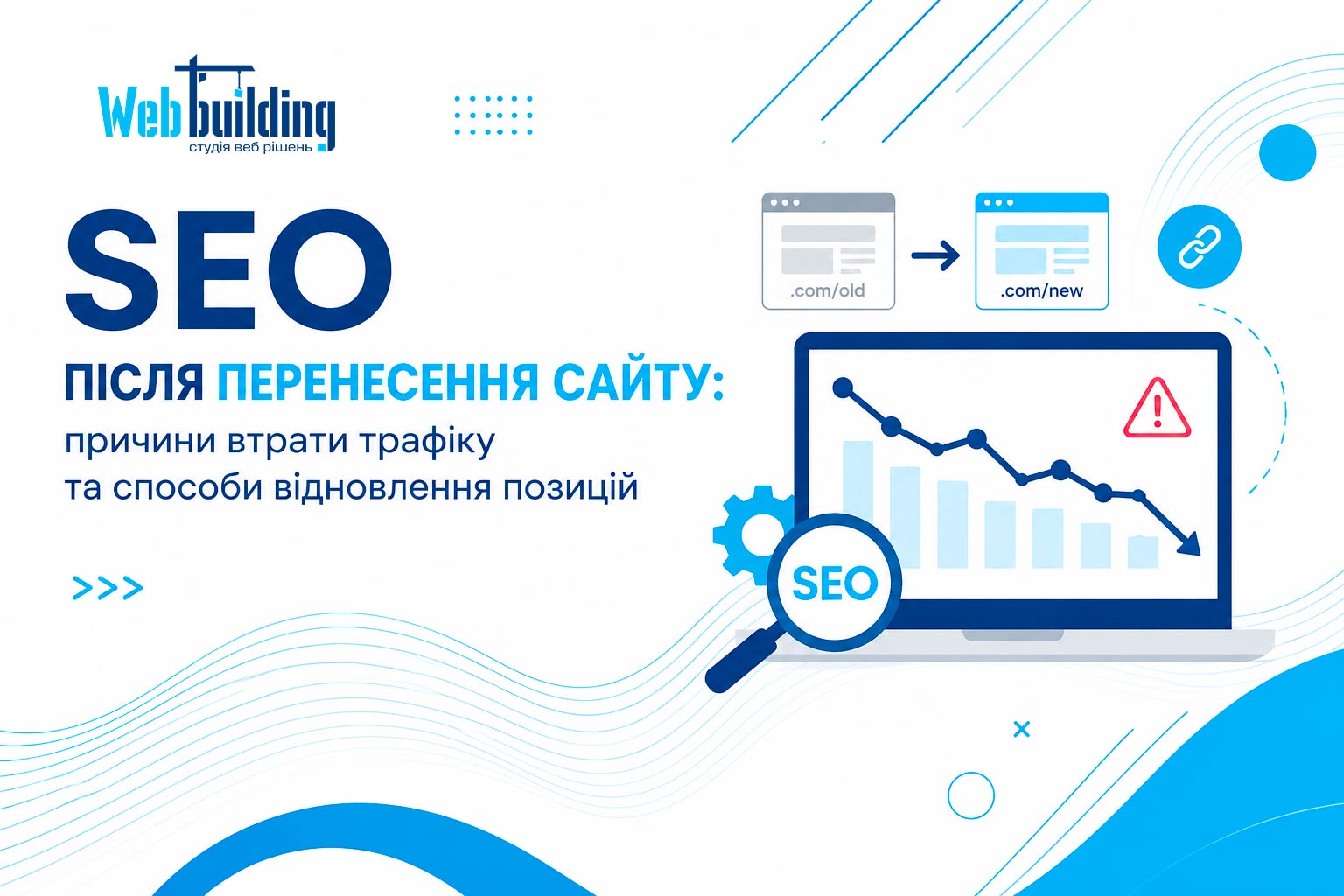
A decrease in organic traffic after a website migration is a fairly common situation for online stores, corporate websites, and large informational portals.
If you notice a drop in search engine traffic after moving your website to a new platform or changing the page structure, it does not always indicate a serious problem. In most cases, rankings can be restored after fixing technical issues and allowing the website to be reindexed.
Main reasons for traffic loss after a website migration
Website migration is often accompanied by changes to the site's architecture, links/URLs, design, or CMS. Any of these changes can affect how search engines perceive the website. If Google cannot properly match old pages with new ones, this often results in reduced visibility in search results.
The most common causes of organic traffic loss include:
- Incorrect analytics configuration. Errors in Google Analytics setup or missing data in Google Search Console may create the false impression of a traffic decline.
- Improperly configured redirects. If 301 redirects are missing or not functioning correctly, search engines may treat old pages as removed.
- Technical issues after launch. Problems with robots.txt, XML Sitemap, canonical tags, or internal linking can negatively affect the indexing process.
- Content changes. Modifying headings, meta tags, content structure, or removing certain information blocks may impact page relevance.
What to do to restore organic traffic
A decline in organic traffic after a website migration is a common situation that often occurs after changing a CMS, modifying URL structures, or redesigning a website. In most cases, the issue can be resolved through a technical audit, fixing indexing errors, and properly configuring redirects. A well-planned SEO strategy after migration will help not only restore lost rankings but also create a solid foundation for future organic growth.
Check your analytics setup
Before looking for SEO-related issues, make sure all analytics tools are working correctly. Verify tracking code installation, goal configuration, and data reporting in Google Search Console. Sometimes the issue is not with search traffic itself but with data collection errors.
Perform a technical website audit
Use specialized crawling tools such as Screaming Frog or Sitebulb. An audit can quickly identify broken links, orphan pages, missing redirects, and other technical issues that affect SEO.
Review all redirects
Every old URL should redirect to the corresponding new page using a 301 redirect. It is important to avoid redirect chains and temporary 302 redirects. Properly configured redirects help preserve accumulated page authority and transfer it to new URLs.
Update metadata and content
After migration, verify that H1, Title, Description, and primary target keywords have been preserved. If content was shortened or modified during the migration process, it is advisable to restore important content sections that previously contributed to strong search rankings.
Submit an updated sitemap
Once the migration is complete, generate a new XML Sitemap and submit it to Google Search Console. This helps search engine crawlers discover new pages faster and update information in the index.
When to expect rankings to recover
In most cases, positive results begin to appear within one to three months after critical issues have been fixed. If the migration involved a domain name change or a major restructuring of the website, the recovery process may take longer.
To speed up traffic recovery, it is recommended to regularly review Search Console reports, monitor the indexing status of important pages, and improve internal linking.
How to minimize traffic loss when launching a new website?
To avoid significant traffic declines after launching a new website, SEO preparation should begin before the site goes live.
Before migration, it is recommended to:
- Conduct a detailed audit of the current website and compile a list of all important URLs.
- Create a mapping document between old and new pages.
- Review robots.txt, llms.txt, XML Sitemap, and canonical tag settings.
- Perform a test crawl of the website before launch.
- Ensure that all redirects and internal links function correctly.
st. Akhmatova 9/18
st. Chornovola 2-A
Sat. 11-00 -16: 00